Need Help Now?
If you are in immediate need of help, please contact your local Red Cross » or find an open shelter »

All day, every day, wherever someone needs us.
All day, every day, wherever someone needs us.
If you are in immediate need of help, please contact your local Red Cross » or find an open shelter »
No one else does this: not the government, not other charities. From small house fires to multi-state natural disasters, the American Red Cross goes wherever we’re needed, so people can have clean water, safe shelter and hot meals when they need them most.
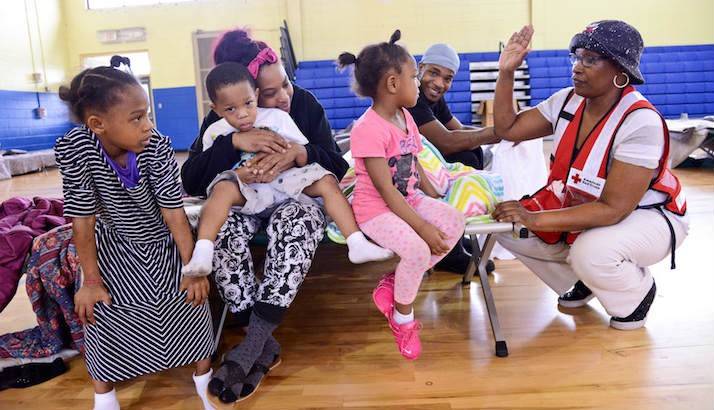
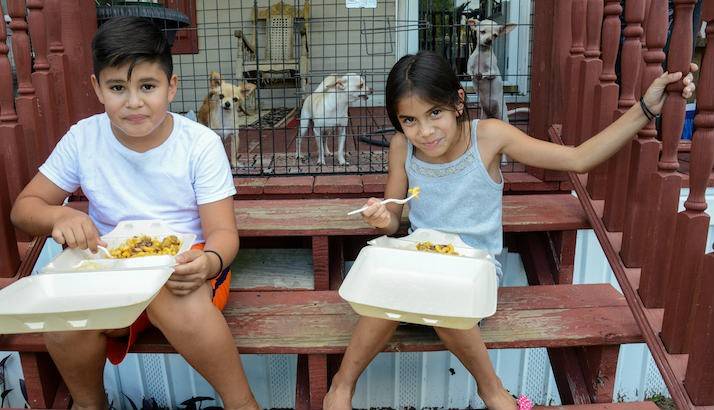
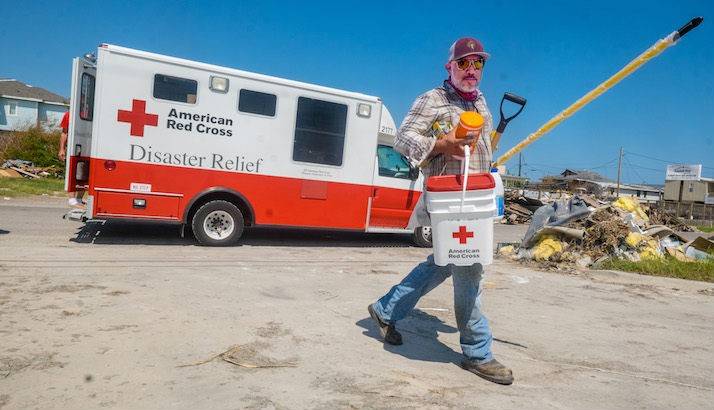
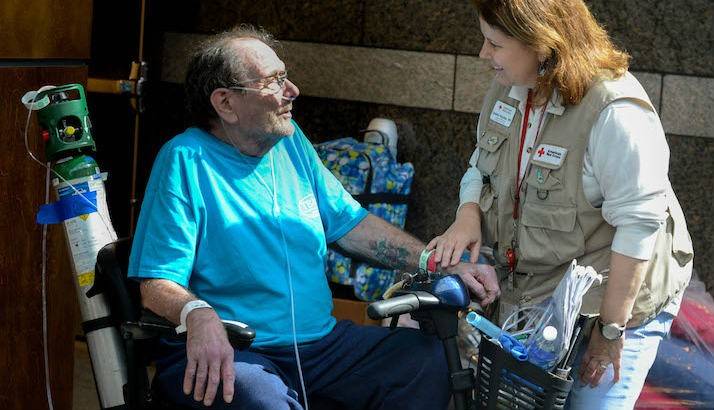
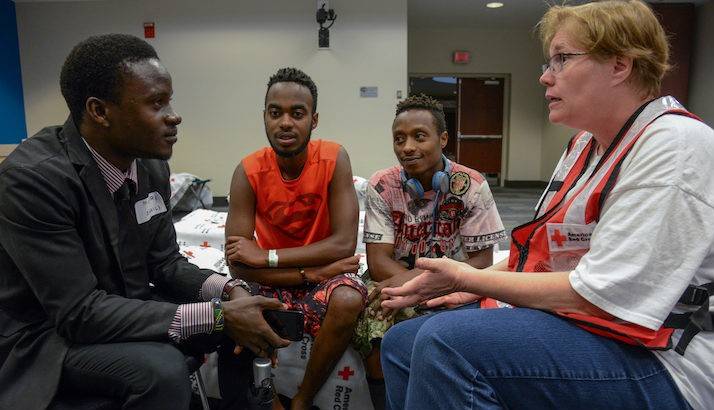
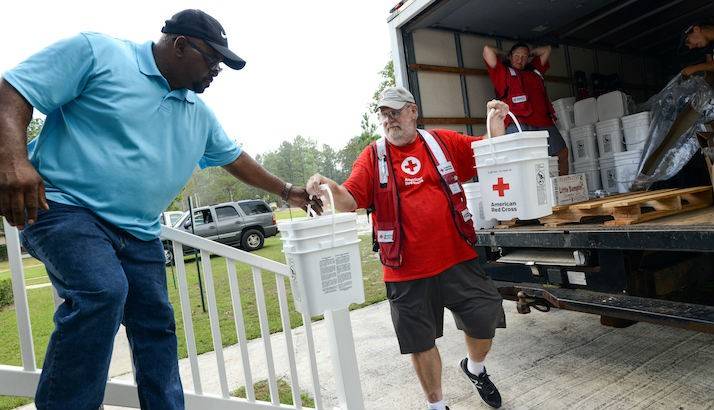
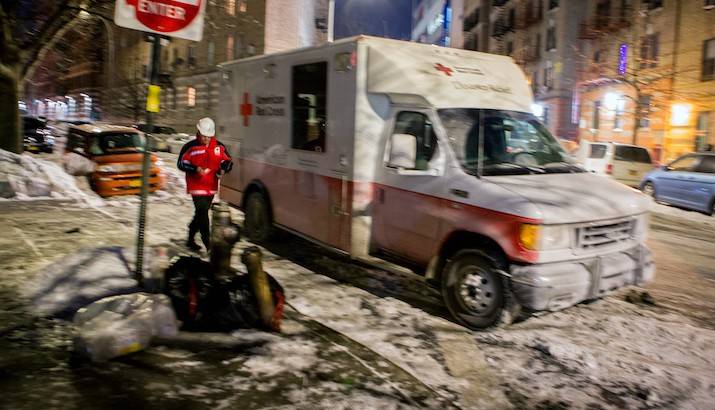
After the emergency phase of a response has been completed, we turn to helping people recover and addressing lingering community needs. Working together with community leaders, government and relief agencies, we organize and execute recovery strategies that include:
Hurricane Helene and Hurricane Milton: One year later

The Red Cross honors donor intent and all donations earmarked for Disaster Relief will be used to help people affected by disasters, big and small. Americans work hard for their money, and we’re committed to being the very best stewards of our donors’ dollar. The Red Cross keeps our expenses low and an average of 90 cents of every dollar the Red Cross spends is invested in delivering care and comfort to those in need.
Help people affected by disasters big and small.